Streaming🔗
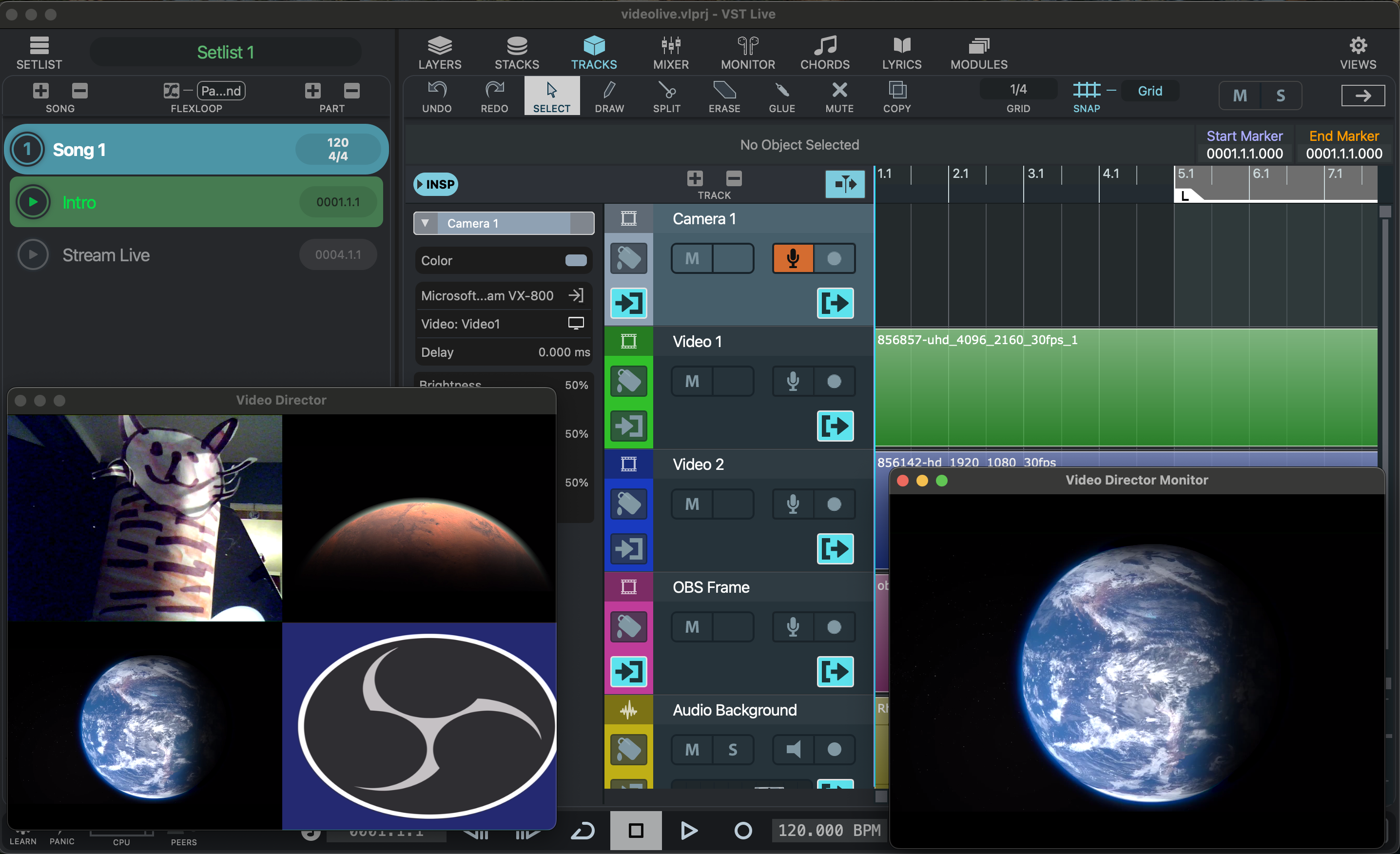
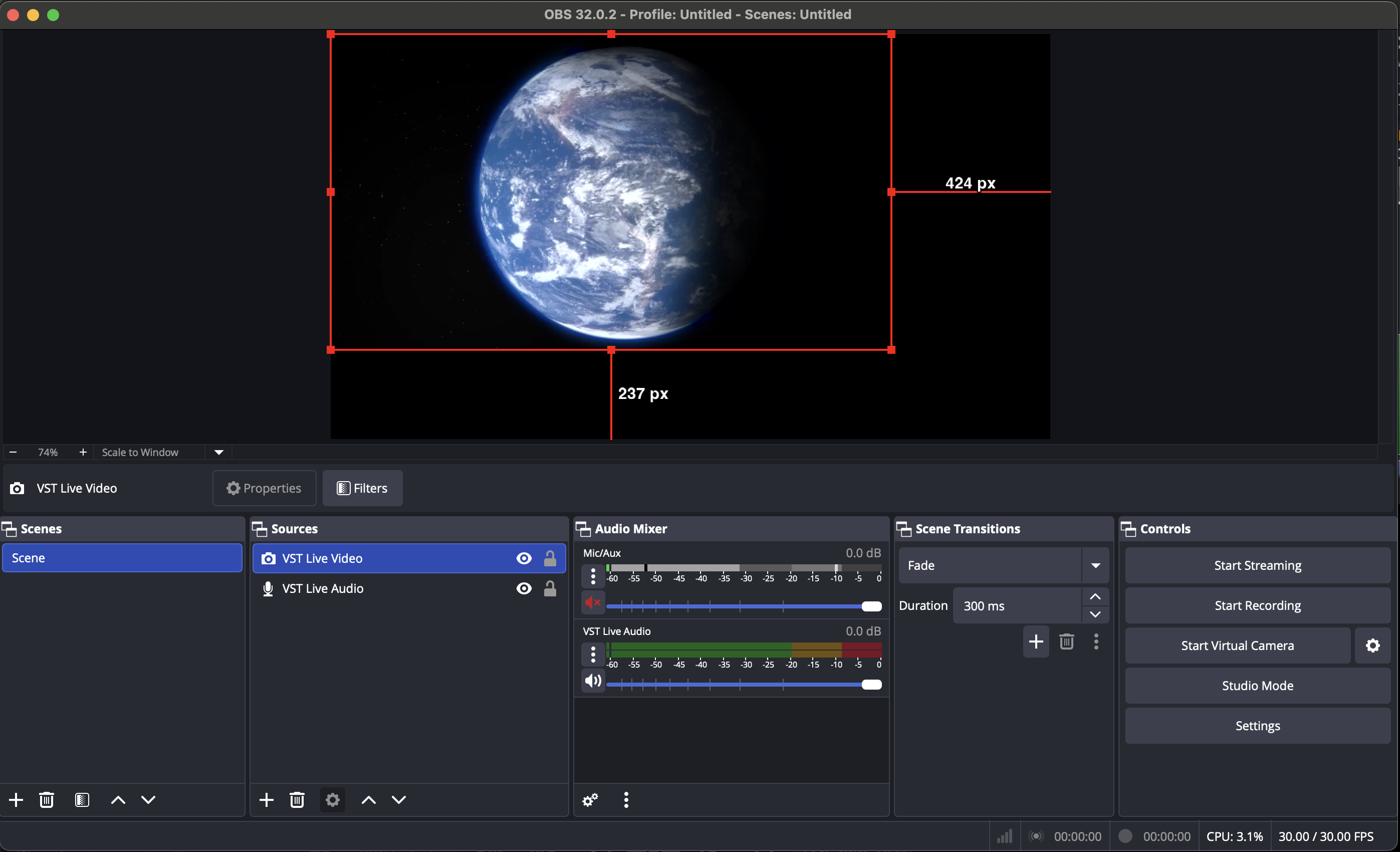
VST Live can stream its audio and video to other applications. Currently, it supports streaming to OBS. With OBS, any incoming audio and video stream from VST Live can be sent to a variety of platforms such as Twitch.
OBS🔗
OBS (Open Broadcaster Software) is a free, open-source application used for live streaming and video recording. It allows users to combine multiple audio and video sources—such as cameras, screen captures, application windows, and external inputs—and send the resulting output to popular platforms like Twitch, YouTube, and Facebook Live.
OBS is widely used by musicians, performers, gamers, and content creators.
When used with VST Live, OBS receives audio and video streams directly from the application, making it easy to broadcast live performances or virtual shows to any supported platform.
 |
 |
Setup: OBS🔗
-
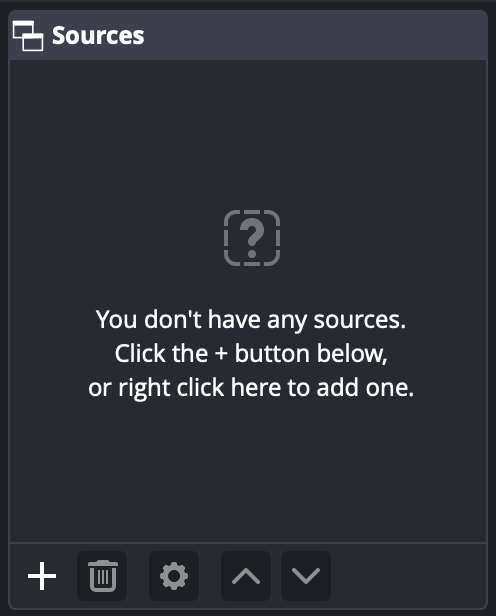
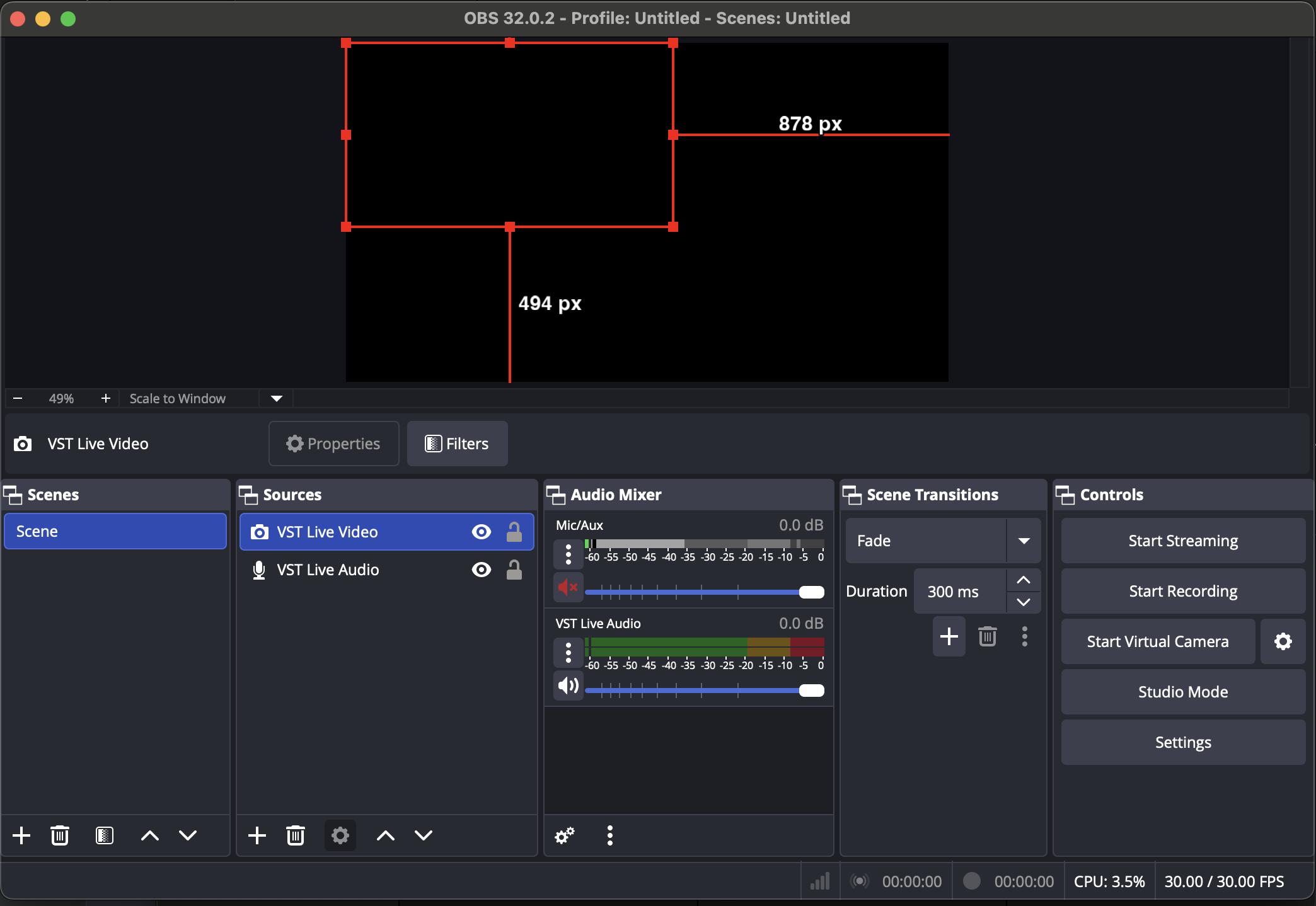
Start OBS and locate the Sources section.
-
Use the Add Source control to add VST Live Audio and VST Live Video.
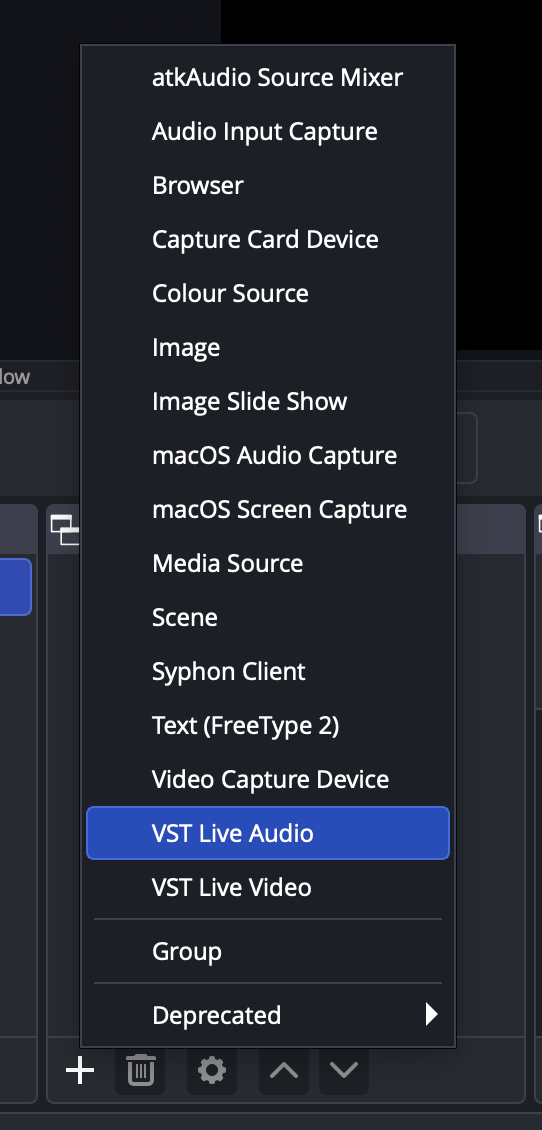
OBS is now ready to connect to VST Live and will automatically receive audio and video as soon as VST Live is running.
Setup: VST Live🔗
Start VST Live and load the project you want to stream to OBS.
Video
- Ensure that all video track channels have their own assigned monitor output.
- Start the Video Director and select your monitor output. The selected monitor will be streamed to OBS.
Audio
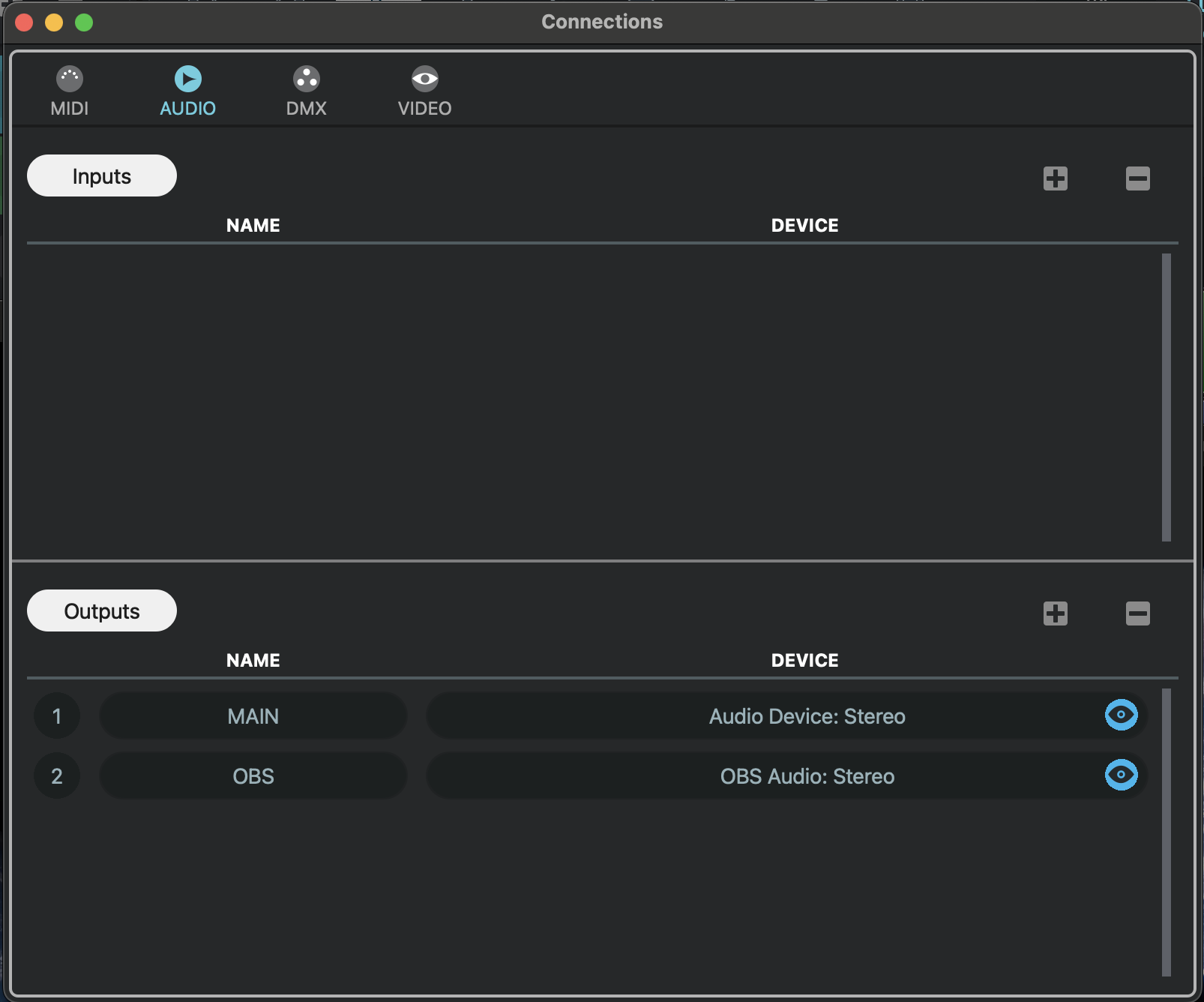
- Open the Connections device and select the Audio tab.
-
Add a new output, rename it to OBS, and select the device OBS Audio: Stereo.
- Select the Mixer tab and add a new output channel, then rename it to OBS.
-
Route the OBS output channel to the OBS device.
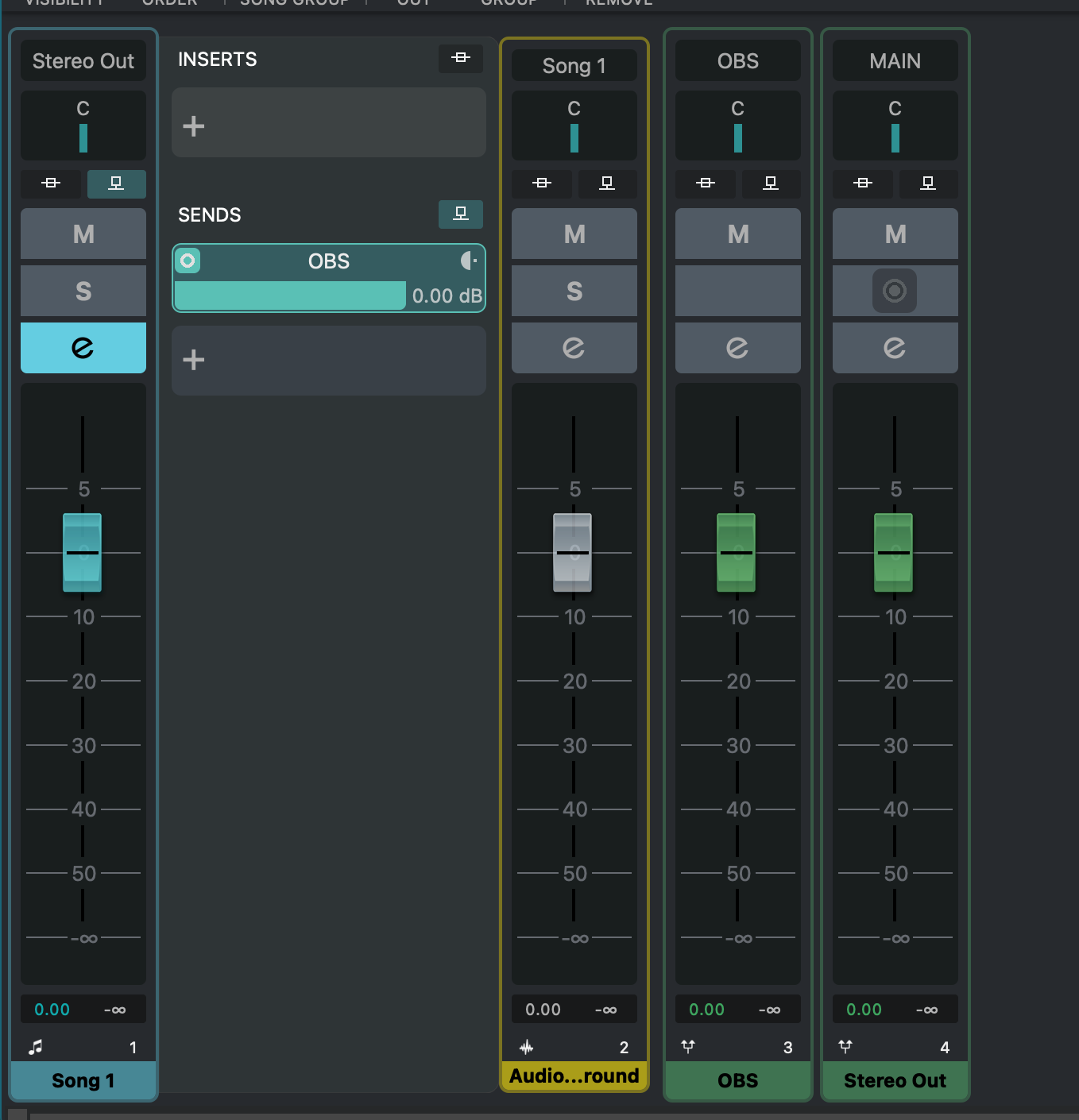
You can route any audio channel to the OBS output channel. Alternatively, use a Send on an audio channel to feed audio to the OBS output.
Connection🔗
The order in which you start the applications does not matter — you can launch OBS first or VST Live first. VST Live automatically establishes the connection as soon as both applications are running, ensuring that audio and video streaming is instantly available. Just start your tools in any order, and the stream is ready when you are.